Tidy3D Graphical User Interface (GUI)
1 hour 15 minsIn this course, you will learn how to set up FDTD simulations using the Tidy3D Graphical User Interface (GUI). The course includes video tutorials that walk you through setting up materials, structures, sources, monitors, parameter sweeps, and everything you need to run basic to advanced FDTD simulations. We will present the concepts using practical examples, including photonic integrated circuit devices, metasurfaces, and solar cells. The simulations presented in the videos are publicly accessible from the course website. To get the most out of this course, we recommend taking the course FDTD101.
Skills you will develop
After completing these tutorials, you will be able to:
Set up FDTD simulations using the Tidy3D GUI.
Run parameter sweeps.
Create advanced geometries.
Calculate optical modes, transmittance, and reflectance spectra.
What you will learn
Tutorials
1FDTD Walkthrough 6 minsStart
This tutorial guides you through the basics of setting up and running FDTD simulations using a simple waveguide example in the graphical user interface (GUI). Specifically, you will learn how to create a silicon waveguide, set up a mode source to excite that waveguide using the fundamental transverse electric optical mode, and how to run the FDTD simulation to obtain the coupling efficiency and field distribution.

2Mediums 5 minsStart
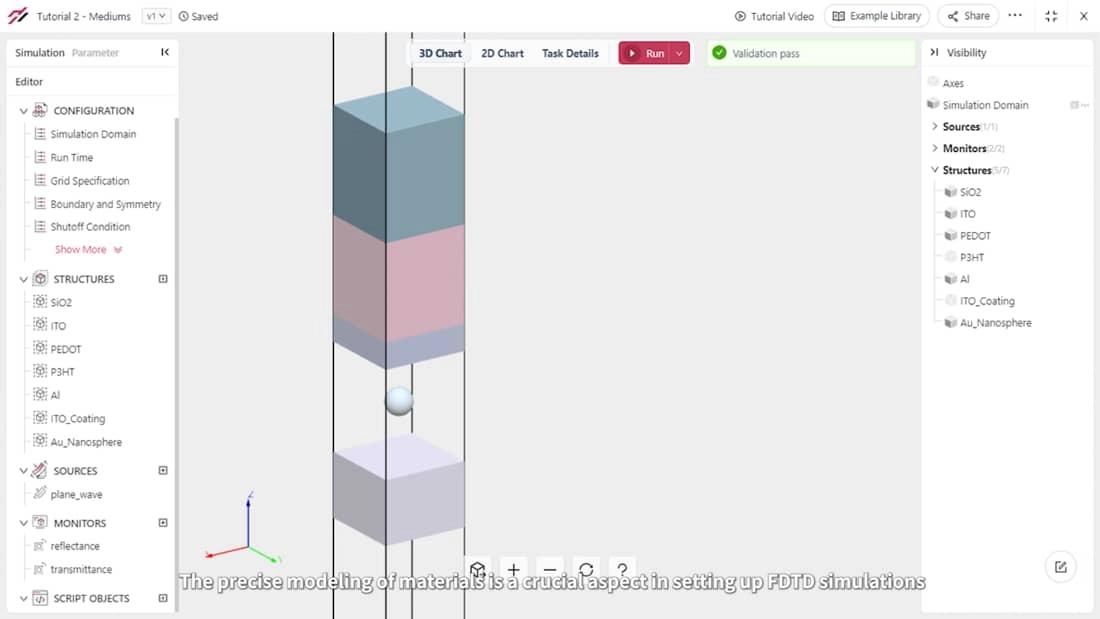
Precisely modeling materials is a crucial aspect of setting up FDTD simulations. This tutorial focuses on material properties and the various methods for defining materials in FDTD simulations. To illustrate these concepts, we will build and simulate an organic solar cell.
3Structures 5 minsStart
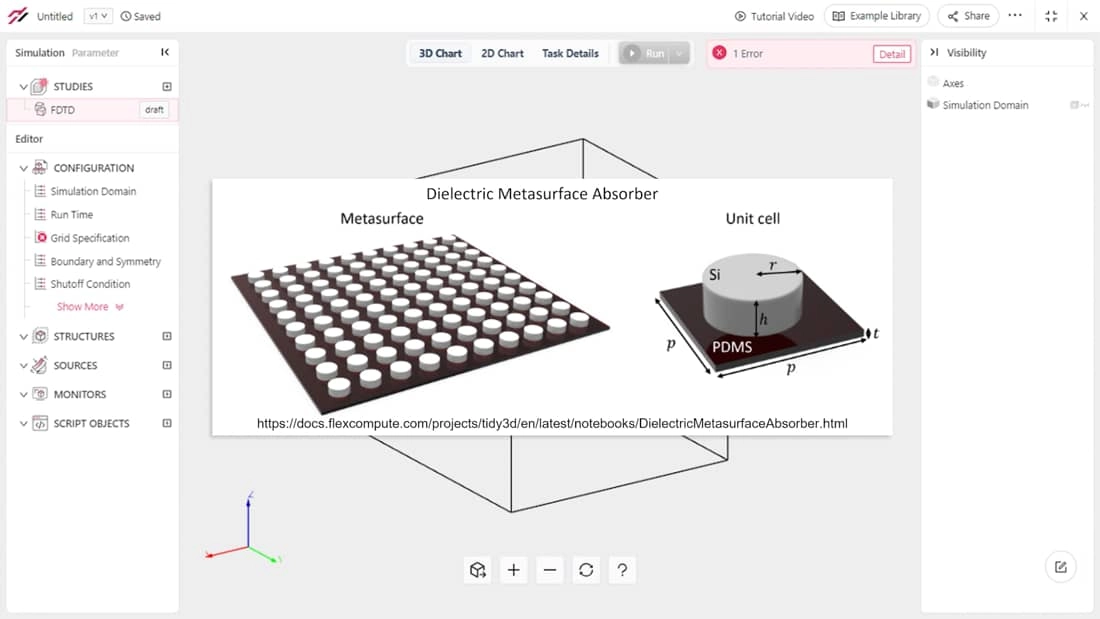
In this tutorial, we will guide you through the process of creating structures commonly used when modeling electromagnetic devices. These structures include rectangles, cylinders, spheres, and polygons. We will reproduce the results of the dielectric metasurface absorber Python notebook. Afterwards, we will test it using different resonator shapes.
4Sources 6 minsStart
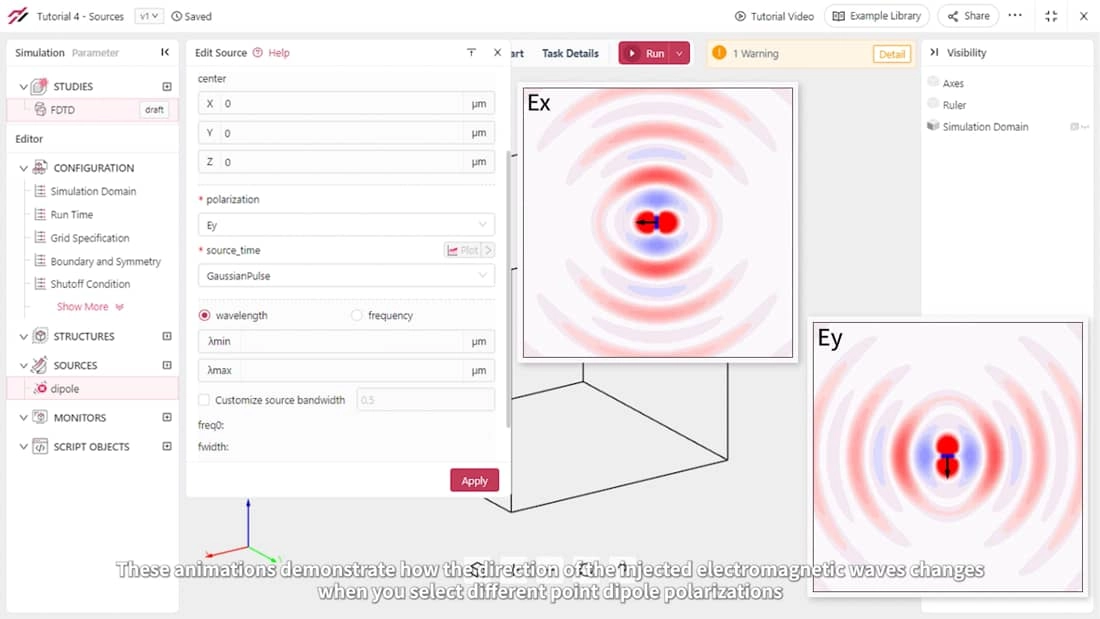
This tutorial covers the sources of electromagnetic fields in FDTD simulations. You will learn about the various types of sources commonly used to drive specific simulations and how to set them up to build your FDTD models.
5Mode Solver 5 minsStart
This tutorial will guide you through the process of using the mode solver feature to obtain field distributions and effective indices of guided waveguide modes. The proper selection of mode properties is crucial when setting up mode sources and monitors in FDTD simulations. When designing photonic devices like directional couplers, mode converters, or mode de-multiplexers, conducting a mode analysis is also an essential task.

6Monitors 6 minsStart
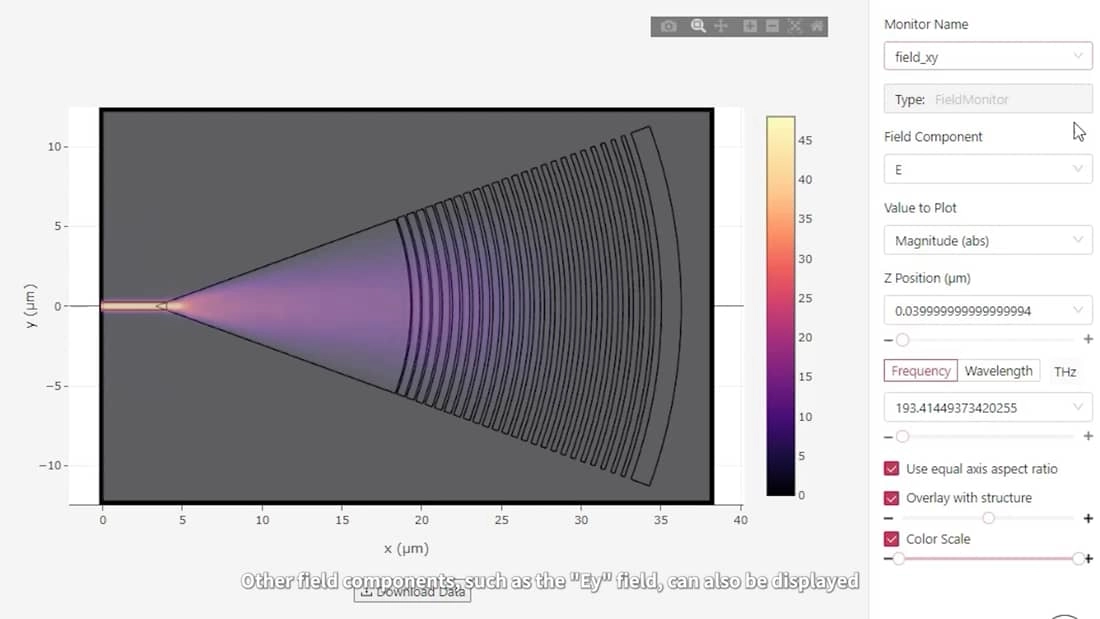
In this tutorial, you will learn how to set up various monitors to calculate and visualize data from FDTD simulations. To illustrate the process, we will use a focusing grating coupler built on a silicon-on-insulator platform. This coupler is used to vertically couple light into and out of photonic integrated circuits using optical fibers.
7Grid Specification 6 minsStart
In this tutorial, you will learn how to set up the FDTD grid to obtain accurate simulation results. We will demonstrate the differences between uniform and non-uniform grids, and how to utilize them to optimize the simulation mesh. Additionally, you will learn how to calculate the symmetric and anti-symmetric modes of a directional coupler.

8Run Time and Shutoff 5 minsStart
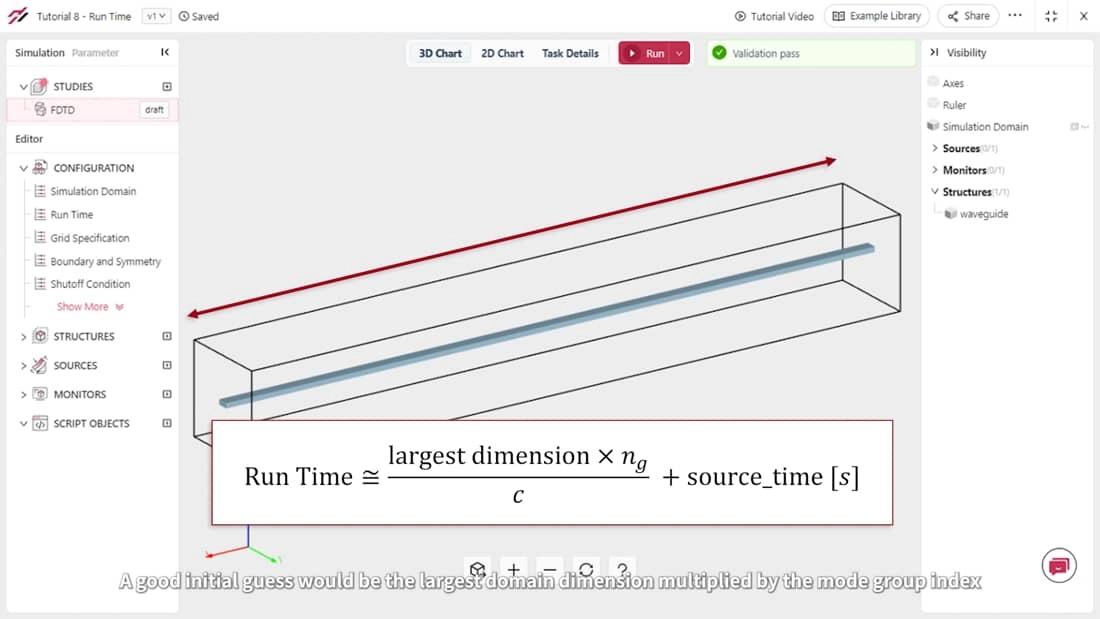
When setting up FDTD simulations, a common question is how long to run them in physical time. In this tutorial, you will learn how to properly set up the run time of FDTD simulations to obtain accurate results. We will also show you how to use the shutoff condition to avoid running simulations longer than necessary
9Boundary Conditions 5 minsStart
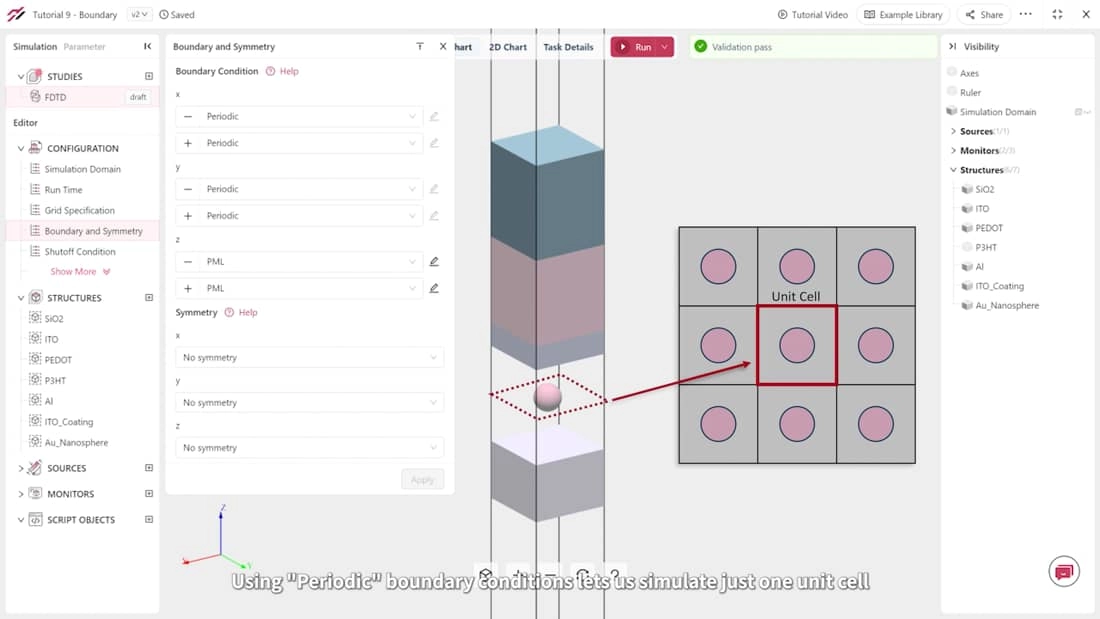
This tutorial will guide you through the process of setting up boundary conditions to truncate the simulation domain. We will use a solar cell simulation as an example to illustrate the usage of PML, PEC, Periodic, and Bloch boundary conditions.
10Symmetry 5 minsStart
In most FDTD simulations, field symmetries can be used to significantly reduce computation by 1/2, 1/4, or even 1/8. In this tutorial, you will learn how to set up symmetries based on the structure and source properties. As a practical example, we will show you how to properly set up symmetry conditions to excite the input waveguide of a photonic crystal slab polarization filter with both the fundamental TE and TM optical modes.

11Geometry Parameterization and Parameter Sweep 9 minsStart
Model parameterization is a powerful tool for dynamically adjusting FDTD simulations. It is particularly useful when exploring how devices respond to changes in geometries, materials, or light properties. In this tutorial, you will explore an all-dielectric structural color metasurface and learn how to parameterize a structure and run parameter sweeps.

12Import Geometries 6 minsStart
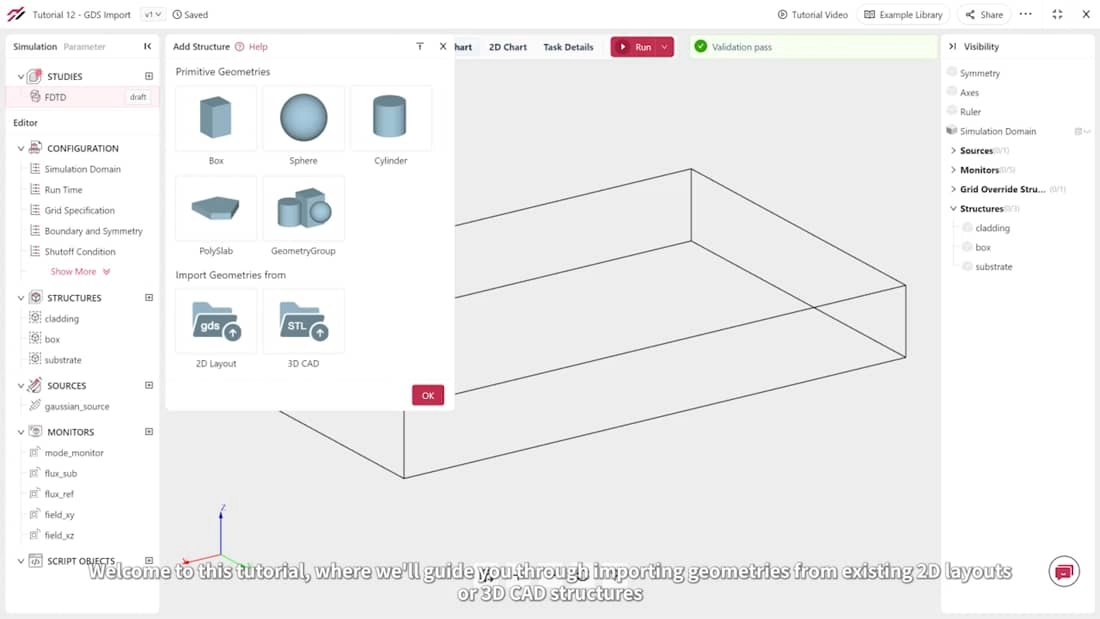
In this tutorial, we will guide you through importing geometries from existing 2D layouts or 3D CAD structures. This feature proves incredibly useful, allowing you to simulate final layouts of photonic devices in GDS files intended for fabrication or intricate 3D geometries in STL files. You will learn these features going though the examples of a focusing apodized grating coupler and a 2x2 MMI power splitter.
13Advanced Set Up Using Script Objects 6 minsStart
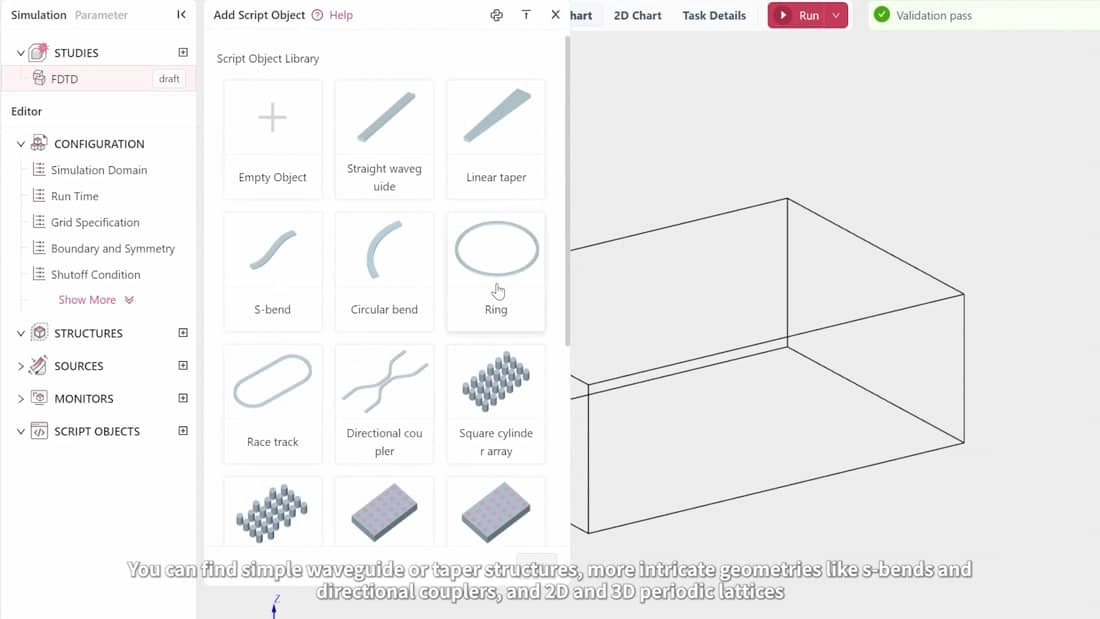
In this tutorial, you will learn how to use script objects in the Tidy3D GUI to easily create complex geometries. This feature is useful for building devices such as photonic crystals, metasurfaces, waveguide bends, and tapers. We will demonstrate how to create a photonic crystal L3 cavity.